
Guest and enquiry context
Keep the agreed information beside the next task and its owner.
Services / Custom CRM/ERP development

Bring enquiries, follow-ups and day-to-day operations into software shaped around your team. Begin with one useful workflow and expand deliberately.
Built around a useful outcome

Keep the agreed information beside the next task and its owner.
Give teams a clear view of requests, room tasks and open exceptions.
Track the fields, stock and measures your workflow actually needs.
Fictional concept · interactive example
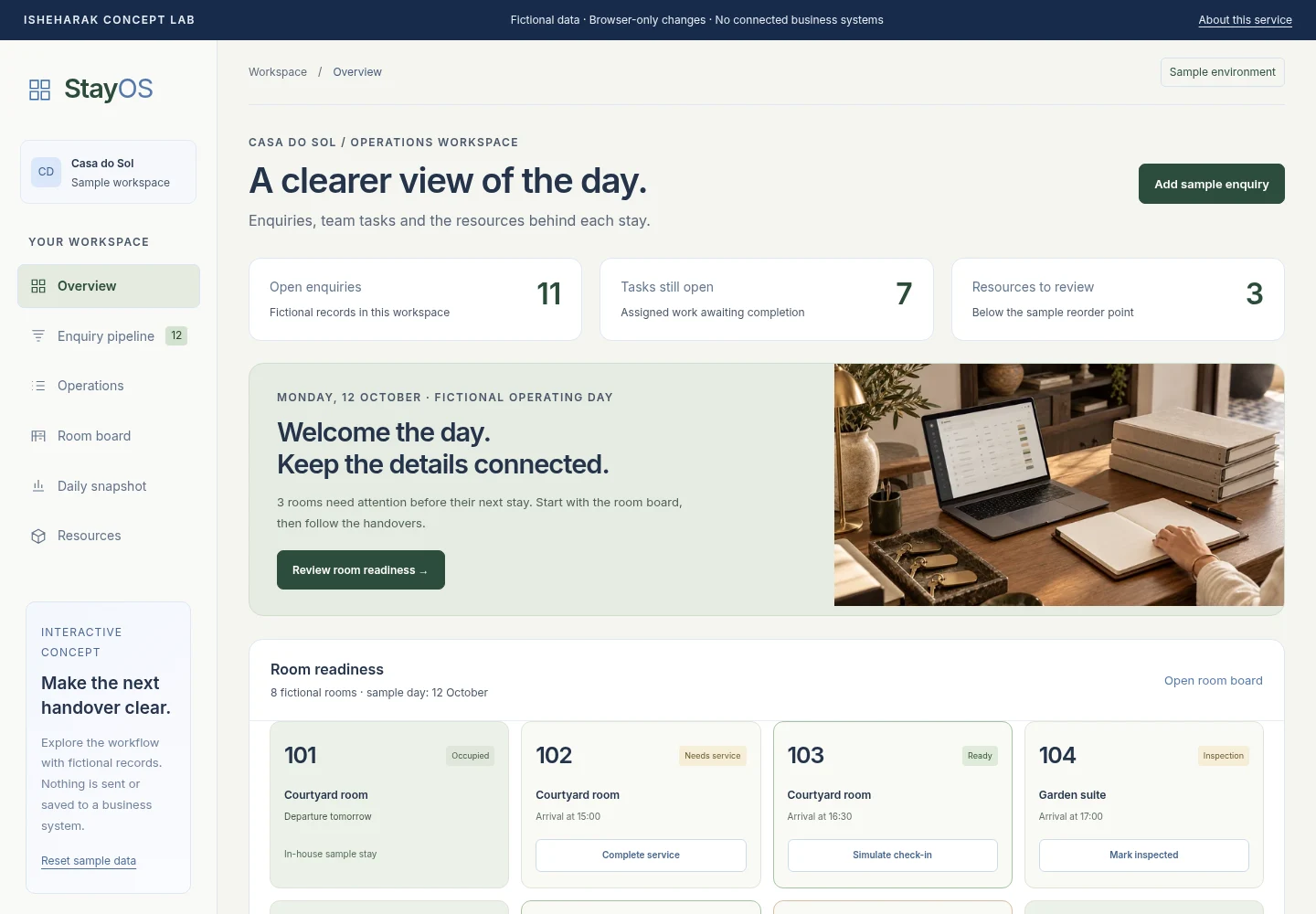
CRM + operations
Move an enquiry into a team handover, progress a room from service to arrival, and watch the daily snapshot update.
Fictional data and browser-only interactions. No real guests, bookings, payments or connected business systems.
Possible project scope
Define records, relationships, field rules and the source of truth.
Shape enquiry pipelines, follow-ups, ownership and searchable context.
Scope useful tasks, resource tracking and approvals around actual processes.
Agree access, compatible systems, migration, testing and ongoing ownership.
Providers, integrations, licences, data access, hosting and ongoing support are agreed separately. The concept demonstrates a possible interface, not a connected service.
How the work moves forward
Walk through one process with the people who use it.
Review records, screens and permissions with fictional data.
Implement the agreed scope and test authorised integration paths.
Document ownership, acceptance checks, support and recovery arrangements.
Questions, answered
The service is scoped custom development. Existing software may be a better fit; the recommendation follows your workflow, current tools and budget.
We review each provider’s APIs, permissions, licensing and data quality first. A logo or demo does not establish an available integration.
Migration requires an agreed mapping, lawful access, a test dataset, reconciliation and a recovery plan. Nothing is imported by this demo.
Only modules explicitly agreed in the scope are included. Accounting, payroll, payment processing and financial reporting require their own requirements and validation.
A clearer next step
Start with your public website or listing, the guest enquiry path and your priorities.
See what your public page makes clear, what may be missing and where to focus next. No guest records or passwords needed.